DVD Screensaver Google Trick: How to Trigger It Today

You type two words into Google. Nothing looks unusual at first just a normal results page, the usual blue links, the usual clutter. Then, a few seconds in, the Google logo quietly breaks loose from its spot in the corner and starts drifting across your screen like it’s got somewhere better to be. It bounces. It changes color. It ignores you completely if you try to scroll past it.
That’s the DVD screensaver Easter egg, and it’s one of the strangest little success stories in Google Search history. A feature with zero business purpose, built as a throwaway joke, has quietly outlasted entire product launches.
This guide covers what it actually is, exactly how to trigger it, why the corner hit is rarer than you’d think, where the meme came from, and how it holds up against Google’s other hidden tricks.
What You’ll Learn in This Guide
This isn’t a two line “here’s how to find it” post. You’ll get the exact activation steps, the real mechanics behind why the logo almost never lands cleanly in a corner, a breakdown of where the bouncing DVD logo meme actually started, and an honest comparison against Google’s other well known search eggs.
If you’ve ever wondered whether the corner hit is a myth, or why it refuses to work on your phone, that’s covered too. What you won’t find here is padding every section earns its place.
What Is the Google DVD Screensaver Easter Egg?
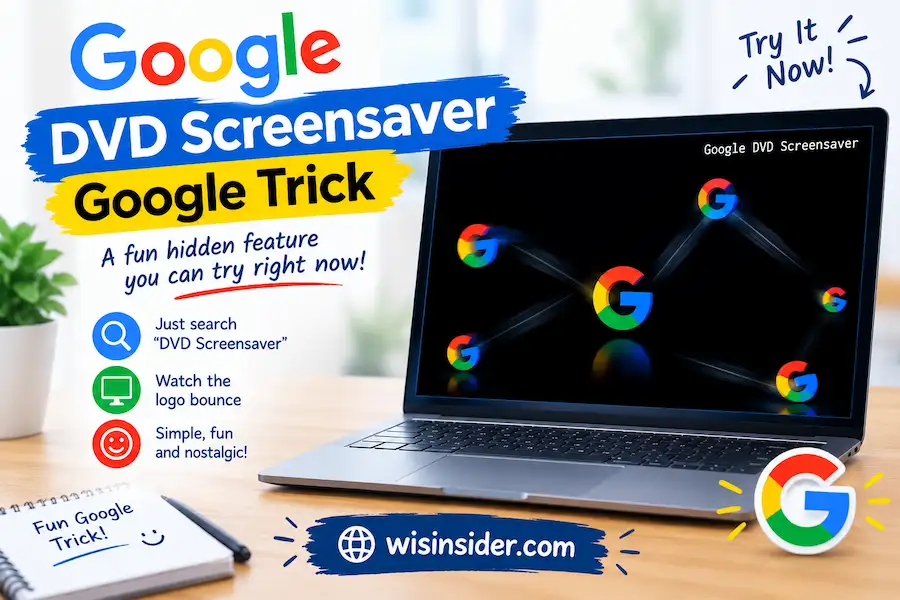
The DVD screensaver is a hidden animation Google built directly into Search. Type the right phrase, and the Google logo detaches from its normal position and drifts diagonally across your browser window, changing direction every time it touches an edge and cycling through color whenever it strikes a wall.
It’s a pure visual gag layered on top of an ordinary results page. Your search results stay exactly the same underneath it. Nothing loads slower nothing gets hidden, and no data changes hands. It’s just an animation riding shotgun on top of a Google search, and it keeps running until you leave the page.
Google never issued a press release for it. A Google Search engineer shared it on social media back in 2021, and from there it spread the way most good internet jokes do word of mouth, screenshots, and a wave of “okay but try this” posts.
How Do You Activate the DVD Screensaver on Google?
Here’s the exact process, start to finish.
- Open a desktop browser. This step is non negotiable. The trick is built for desktop Search and generally refuses to fire on mobile.
- Go to Google.com. No login required, no special settings.
- Search “dvd screensaver.” The phrases “bouncing dvd” and “dvd logo” have also been reported to work, though “dvd screensaver” remains the most consistent trigger.
- Give it a few seconds. The logo doesn’t move the instant the page loads. Wait about five seconds after your results appear.
- Watch it detach and bounce. It’ll drift diagonally, change direction on every wall hit, and swap colors between Google’s blue, red, yellow, and green.
- Try resizing your browser window. This isn’t just for fun it actually changes the bounce pattern, which matters a lot for the next section.
There’s no toggle to switch it off.
You stop it the same way you stop an actual DVD screensaver by doing something else entirely, like clicking a link or closing the tab.
Why Doesn’t the DVD Screensaver Work on Mobile?
This is the single most common complaint, and it has a simple answer: it was never built for mobile in the first place. Multiple outlets that covered the original 2021 launch, including 9 to 5 Google and TechCrunch confirmed the animation is limited to desktop web and does not run on Google’s mobile site or app.
If you’re determined to see it on your phone, switching your mobile browser to “desktop site” mode sometimes works, but it’s inconsistent.
Mobile screens are also a worse canvas for the joke anyway half the appeal of the DVD screensaver is watching a logo travel across a wide horizontal space, and a phone screen just doesn’t give it much room to run.
If It’s Not Working on Desktop Either
A few quick things to check before assuming something’s broken:
- You didn’t wait long enough. Five seconds, not five hundred milliseconds.
- An ad blocker or script blocker is interfering. The animation runs on the page’s own JavaScript, and aggressive privacy extensions can occasionally choke it.
- You searched a phrase that doesn’t trigger it. Go back to the core phrase, “dvd screensaver,” before trying variations.
- Google quietly adjusted something. Easter eggs aren’t core infrastructure. They get shuffled, paused, or altered when Google updates how the results page renders. If it fails today, it’s worth trying again another day.
None of these mean your device is at fault. It’s a hidden feature riding on top of a product that gets updated constantly, and hidden features are always the first thing to wobble.
Will the Logo Actually Hit the Corner? The Real Math
This is the question everyone eventually asks, and most articles about this Easter egg answer it with a shrug. The actual answer is more interesting than a shrug.
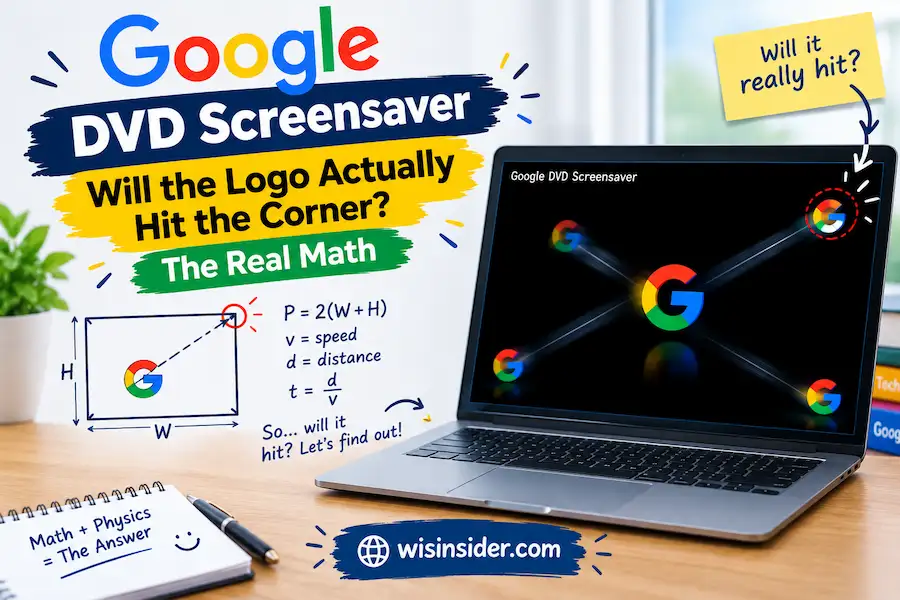
A bouncing object traveling at a constant diagonal speed inside a rectangular box only lands exactly on a corner when the ratio between the box’s width and height, adjusted for the size of the object itself, resolves into a specific mathematical relationship. When that ratio lines up, the path resolves cleanly into a corner.
When it doesn’t which is most of the time, for most screen sizes the object can bounce indefinitely without ever touching a corner precisely.
There’s real data behind how rare this is. A widely watched 2018 Twitch stream dedicated entirely to a bouncing DVD logo tracked corner-collision odds at under 2% per bounce cycle for a standard-sized logo on a standard screen.
Fan analysis of the mechanics has gone further: shrink the logo down to roughly 141 by 141 pixels on certain screen dimensions, and the full bounce cycle before a possible corner alignment stretches out to nearly 46 minutes. That’s not a “check back in a minute” wait. That’s a full sitcom episode of staring at a corner that may never get hit.
Here’s my honest take on this part: the corner hit isn’t actually the point, and treating it like a goal misses why the meme works.
The tension of “will it hit this time” is the entire appeal a rare, low stakes cliffhanger in a scroll optimized internet that almost never lets anything resolve cleanly. If the logo hit the corner every ten seconds, nobody would care. The math working against you is the joke.
Resizing your browser window genuinely changes your odds, since it changes the exact ratio the bounce math depends on.
People chasing a corner hit have spent real time methodically resizing windows and timing bounce cycles to try to force the ratio into alignment. It’s a strange hobby. It’s also completely in character for a meme that started as a way to kill time during a paused DVD.
Where Did the Bouncing DVD Logo Meme Actually Come From?
Long before Google touched this, the bouncing DVD logo was already deep in internet culture — and it started as a completely practical piece of hardware design.
Older DVD players displayed this exact animation when a disc sat paused or idle too long: the DVD logo drifting slowly across a black screen, changing direction at each edge. It wasn’t decorative.
It existed to prevent screen burn-in on CRT and early plasma TVs, a real risk when a static image sat on screen for too long. The animation was a fix for a hardware problem that, decades later, almost nobody remembers being a problem at all.
The meme breakout moment is usually traced to a 2007 cold open on the American version of The Office, in which the entire office staff gathers around a TV, completely transfixed, watching the DVD logo bounce and silently willing it toward the corner. That scene captured something a lot of people already quietly understood on their own: watching for a corner hit is a strangely satisfying, zero-stakes form of suspense.
From there it kept growing well past the show that popularized it. Dedicated livestreams of nothing but a bouncing DVD logo have pulled in massive, sustained audiences waiting for a corner hit that statistically almost never arrives. Fan-built simulators, browser extensions, and even a standalone game riding on the concept followed in the years after.
By the time Google folded its own version directly into Search in 2021, the bouncing DVD logo wasn’t some obscure reference anybody needed explained it was one of the most recognizable visual gags to come out of the 2010s internet.
Google’s version is, in a sense, the joke completing a loop: a hardware fix for old TVs, filtered through a decade of meme culture, eventually rebuilt as a literal feature inside the most-used search engine on the planet.
Why Would Google Spend Engineering Time on a Bouncing Logo Joke?
It’s a fair question for a product where every pixel is usually treated with enormous care. The honest answer is that Google has been doing this since the early 2000s, and it’s less a departure from the brand and more a consistent part of it.
Search Easter eggs have covered everything from tilting the entire page, to turning the interface into a playable game, to referencing specific movies, holidays, and cultural moments as they happen. They’re almost never announced formally.
They tend to surface exactly the way this one did spotted by someone, shared informally, picked up by tech press and word of mouth from there.
That informal discovery process is arguably part of why it works. A hidden joke that feels stumbled upon lands differently than one handed to you as a marketing push. For a product that’s otherwise mostly text and links, a gag that costs a few hours of engineering time and generates years of shareable goodwill is in a fairly literal sense, good product design even if it never shows up on a roadmap slide.
How Does the DVD Screensaver Compare to Google’s Other Easter Eggs?
Google has shipped dozens of these hidden search tricks over the years, and they’re not all built the same way or for the same payoff. Here’s how the DVD screensaver stacks up against the other well-known ones.
| Easter Egg | Trigger Phrase | Platform | What Happens | Staying Power |
|---|---|---|---|---|
| DVD Screensaver | “dvd screensaver” | Desktop only | Logo detaches and bounces around the screen | Active and consistent since 2021 |
| Do a Barrel Roll | “do a barrel roll” | Desktop and mobile | Full page spins 360 degrees | Long-running, very stable |
| Askew / Tilt | “askew” or “tilt” | Desktop and mobile | Page tilts at a slight angle | Long-running, very stable |
| Recursion | “recursion” | Desktop and mobile | Google asks “did you mean: recursion” | Stable, low-key joke |
| Blink HTML | “blink html” | Desktop and mobile (browser-dependent) | Text flickers, referencing the old blink tag | Less consistent across modern browsers |
| Answer to Life | “the answer to life the universe and everything” | Desktop and mobile | Returns the number 42 | Long-running, stable |
| Themed/seasonal eggs | Varies (movies, holidays, events) | Varies | Custom animations tied to a specific event | Temporary by design, retired after relevance fades |
A few honest observations from that comparison. The DVD screensaver is one of the only major eggs that’s desktop exclusive, which is a real limitation given how much search traffic now happens on phones.
It’s also one of the more visually involved tricks most of the others are quick, one shot gags, while this one keeps running indefinitely and rewards you for sticking around.
And unlike the seasonal or pop culture tied eggs that Google quietly retires once their moment passes, the DVD screensaver has stayed live and unchanged since it launched, which says something about how well it’s aged compared to more topical jokes.
If you’re the type who enjoys this one, “do a barrel roll” and “askew” are worth trying next they take five seconds and work on both desktop and mobile, no workaround required.
Is the DVD Screensaver Easter Egg Safe to Use?
Yes, and it’s worth addressing directly since “hidden search trick” can sound suspicious if you’ve never run into one. This is a first party Google feature, triggered through a completely normal search query. Nothing downloads. No extension is required. No permissions get requested. It behaves exactly like any other visual element on the results page it’s just a playful one instead of a purely functional one.
The one thing worth a raised eyebrow: if you ever run across a site or download claiming to be “the official Google DVD screensaver” living somewhere other than Google.com itself, that’s not it. The real version requires nothing beyond a standard search, and anything asking you to install something to “unlock” it isn’t Google.
FAQs
How do you get the DVD screensaver on Google?
Search “dvd screensaver” on Google using a desktop browser, then wait about five seconds after the results page finishes loading. The Google logo will detach from the top left corner and start bouncing across the screen automatically, with no extra steps or settings required.
Why won’t the DVD screensaver work on my phone?
The Easter egg was built for desktop web browsers and generally doesn’t trigger on Google’s mobile site or app. Some people get it to appear by switching their mobile browser to “desktop site” mode, but that workaround is inconsistent and isn’t officially supported.
Does the DVD logo ever actually hit the corner?
It’s mathematically possible, but genuinely rare. A widely watched 2018 livestream of a bouncing DVD logo tracked the corner-collision rate at under 2% per bounce cycle, and the exact odds depend entirely on your browser window’s width-to-height ratio relative to the logo’s size.
How do I make the logo hit the corner faster?
Resizing your browser window changes the underlying bounce ratio, which changes your odds. There’s no guaranteed method, but people chasing a corner hit have had luck methodically testing different window sizes rather than just watching passively.
How do I stop the bouncing logo once it starts?
There’s no off switch. It keeps moving until you navigate away from that results page clicking a link, running a new search, or closing the tab all work.
Is this the same as the DVD screensaver that used to play on TV?
It’s a direct homage rather than the same software. The original was a genuine screensaver on older DVD players, built to prevent screen burn-in on CRT and plasma televisions when a disc sat idle. Google’s version recreates that same visual behavior using its own logo, purely as a nostalgic Easter egg inside Search.
The Easter egg was built for desktop web browsers and generally doesn’t trigger on Google’s mobile site or app. Some people get it to appear by switching their mobile browser to “desktop site” mode, but that workaround is inconsistent and isn’t officially supported.
Conclusion
The DVD screensaver Easter egg is a small, deliberately pointless piece of software, and that’s exactly why it’s held up for years while flashier gimmicks have come and gone. It borrows a real fix for a real hardware problem, rides on a meme that already had a devoted audience of its own before Google ever touched it, and asks nothing more of you than a few seconds of patience and a little curiosity about whether this time, the logo finally lands clean in the corner.
Open a desktop browser, search “dvd screensaver,” and see for yourself and if you’re the type who’ll actually sit there resizing your window trying to force a corner hit, you already understand exactly why this one caught on in the first place.