
50+ Interactive Google Searches to Try in 2026 (Games, Tools & Tricks)

I was stuck in a dull meeting last month. My phone was in my hand. I typed “roll a dice” into Google, just to see what would happen. A little die popped up on the screen and rolled. I laughed out loud. Someone next to me leaned over and said, “wait, what is that?” That one small moment turned into ten minutes of us testing tricks together. That is the moment I got hooked on interactive Google searches.
Since then, I have tested every trick in this guide myself. Some are games. Some are tools. Some are just fun visual effects. A few of the old ones stopped working, so I removed them. This list is fresh for 2026. You do not need to download anything. You do not need to sign up. You just need Google and a few free minutes.
What Are Interactive Google Searches?
Interactive Google searches are special words or phrases. When you type them into the search bar, something fun happens. You might see a game. You might see a working tool. You might see a screen effect. This is different from a normal search. A normal search gives you a list of links. An interactive search gives you an experience.
Google calls some of these “enriched results.” They are built using special code on Google’s end. Others are simple Easter eggs, added just for fun. Either way, the goal is the same. Google wants to surprise you.
New Google Easter Eggs for 2026
Most lists online are old. Many still list tricks from 2020. I checked what is new this year, so you do not waste time on dead links.
- World Cup animation: Search “World Cup” or a related team name. You may see colorful fireworks on the screen.
- The “67” wobble effect: Search “67.” The screen gives a short wobble. This ties to a popular slang trend.
- Equinox animation: Search “spring equinox” or “fall season.” You will see flowers or falling leaves move across your screen.
- Player-specific animations: Some athlete names now trigger short animations tied to real sports moments.
These change often. Google adds and removes them without notice. That is part of the fun.
Fun Games You Can Play in Google
These are full games. You do not need an app. Just search and play.
- Pac-Man: Search “Pac Man.” Click play. Use your arrow keys.
- Snake: Search “snake game.” Pick a difficulty and start.
- Solitaire: Search “solitaire.” Choose easy or hard mode.
- Minesweeper: Search “minesweeper.” Pick your grid size.
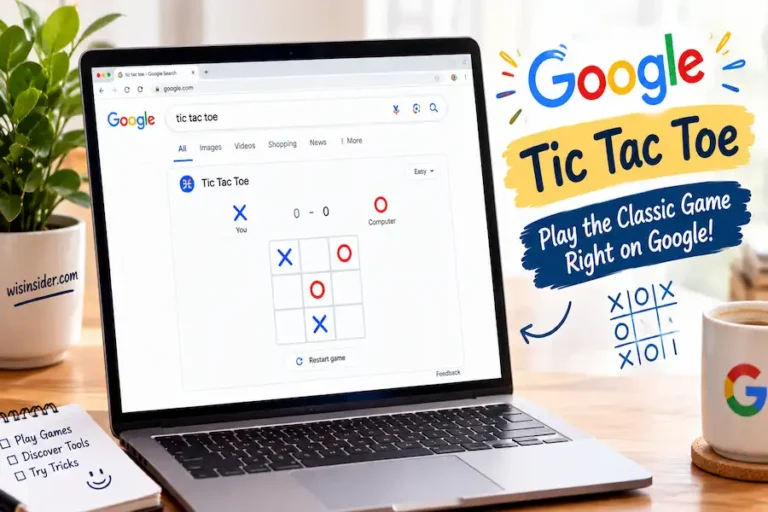
- Tic Tac Toe: Search “tic tac toe.” Play against Google or a friend.
- Google Zerg Rush: Search “zerg rush.” Click the little “o” shapes before they eat your results.
If you are a parent or teacher, these games are safe. They have no ads and no in-app purchases. They are a good fit for a quick classroom brain break.
Hidden Tools Inside Google Search
Not every trick is a game. Some are real, working tools. I use these more than the games.
- Tip calculator: Search “tip calculator.” Enter your bill. It splits the tip for you.
- Metronome: Search “metronome.” Set your beat. Great for musicians.
- Spinner wheel: Search “spinner.” Spin it to make a quick decision.
- Dice roller: Search “roll a d20.” Pick any dice type for board games.
- Breathing exercise: Search “breathing exercise.” Follow the calm animation for one minute.
- Random number generator: Search “random number generator.” Set your range and go.
These are useful for real tasks, not just fun. I use the tip calculator almost every week when I eat out with friends.
Cool Visual Effects and Screen Tricks
These do not open a game or tool. They just change how your screen looks for a moment.
- Do a barrel roll: Search it. Your screen spins in a full circle.
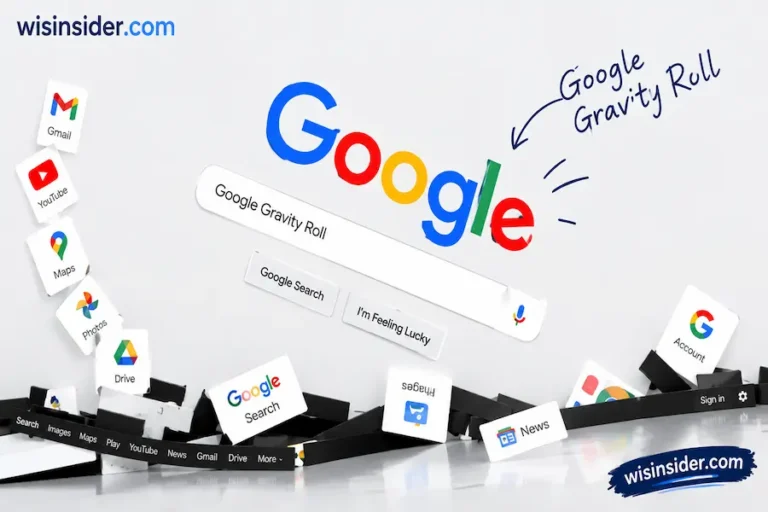
- Google Gravity: Search “Google Gravity” and click the first result. The page falls apart on your screen.
- Askew: Search “askew.” Your results tilt slightly to one side.
- Google in 1998: Search “Google in 1998.” See what the homepage looked like years ago.
Google Wordplay and Jokes
A few tricks are just clever text jokes. They are quick, but fun to share.
- Anagram: Search “anagram.” Google jokes back with “did you mean nag a ram?”
- The answer to everything: Search “the answer to life, the universe, and everything.” Google replies with 42, a nod to a famous book.
- Recursion: Search “recursion.” Google asks if you meant “recursion.” It is a small joke about a loop.
Do These Tricks Work on Mobile?
Yes, most of them do. Games like Pac-Man, Snake, and Solitaire work well on phones. Tools like the tip calculator and spinner also work fine on mobile. A few visual tricks, like Google Gravity, work better on a full desktop screen. If a trick does not load right away, try switching from your phone browser to a desktop one.
Tricks That Stopped Working
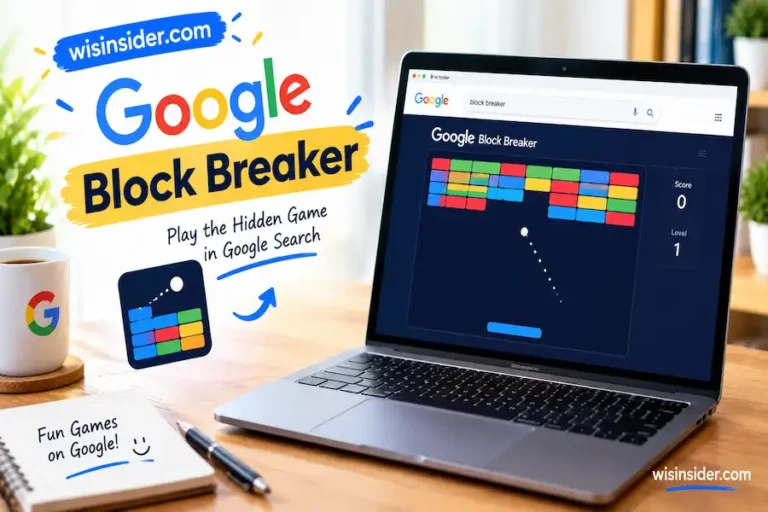
Not every old trick still works. I tested this myself before writing this guide. Atari Breakout, for example, no longer opens with a normal search. You now need to search it and click “I’m Feeling Lucky” instead, and even then, it does not always load. If a trick from an old blog post does not work for you, it is likely outdated. This guide only lists what works in 2026.
How to Try These Tricks
- Open Google Search on your phone or computer.
- Type the exact phrase, like “roll a dice” or “do a barrel roll.”
- Press search or hit enter.
- Wait a second for the game, tool, or effect to load.
- If nothing happens, try refreshing the page once.
FAQs
Do Google Easter eggs still work in 2026?
Yes, most do. Google adds new ones and removes old ones over time. This guide is checked for 2026.
Are these tricks the same on mobile and desktop?
Most are the same. A few visual tricks work better on desktop.
What is the difference between an Easter egg and a Doodle game?
An Easter egg is a hidden trick you find by searching a word. A Doodle game is a playable game shown on the Google homepage for a special event.
Why does Google add these hidden features?
Google’s team gets time to build side projects. Some of these fun tricks come from that time. It is a small way for Google to make search feel human.
Quick Reference Table
| Trick | Type | Search Term | Works on Mobile |
| Pac Man | Game | pac man | Yes |
| Snake | Game | snake game | Yes |
| Solitaire | Game | solitaire | Yes |
| Tip Calculator | Tool | tip calculator | Yes |
| Metronome | Tool | metronome | Yes |
| Breathing Exercise | Tool | breathing exercise | Yes |
| Do a Barrel Roll | Visual Effect | do a barrel roll | Yes |
| Google Gravity | Visual Effect | google gravity | Best on desktop |
| Anagram | Wordplay | anagram | Yes |
Final Thoughts
I did not expect a bored moment in a meeting to turn into months of testing Google tricks. But here we are. I have played every game on this list more times than I want to admit, and I have used that tip calculator far too often at dinner with friends. What I learned along the way is simple. Google is more than a search box.
It is a small, hidden playground, and most people never take the time to look. If you only try three things from this guide, try the breathing exercise on a stressful day, roll a dice the next time you play a board game, and search “do a barrel roll” just to see someone’s face light up next to you. That is the real reason I keep coming back to these tricks. They are small, they are free, and they make an ordinary day feel a little more fun.